

If you’ve experimented with social media marketing, you’ve probably learned two things. first, it takes time to create a successful social media marketing strategy. Second, social media is a great marketing tool for ecommerce business owners.
You can recapture part of your time with the use of social media scheduling tools. By assisting you in creating a content schedule, customising your posts for each platform, and strategically timing your posts to correspond with the surfing habits of your target audiences, they ease the social media management process. They can assist your marketing team in measuring effectiveness and keeping tabs on online discussion about your company without requiring them to be hooked into numerous social media accounts all day long.
Table of Content
- What do scheduling tools for social media offer?
- Key features of social media scheduling tool
- Top tools for social media scheduling
- Tips for Using Social Media Scheduling Tools
- Conclusion
What do scheduling tools for social media offer?
In order to assist you plan and schedule posts across particular channels, social media schedulers are a form of social media management tool. You can create material in advance for weeks or even months by using a scheduling tool.
Three tools are primarily used for social media scheduling:
- Platform-inside publishing tools.There are social media publishing capabilities incorporated into several social channels. Users with corporate accounts can produce and schedule content on platforms like Instagram, Twitter, and Facebook, for instance.
- Scheduling tools for social media. The creation and distribution of content across social media accounts can be facilitated by integrating third-party scheduling apps with existing content databases (such as product catalogues).
- Platform for managing social media. Users of third-party social media management services can plan posts across numerous accounts from a single dashboard. These systems frequently also provide time-saving features for content creation, social listening and engagement, analytics, and reporting.
Key features of social media scheduling tool
The following features to look for in a social media scheduling tool
- Compatibility with platforms: Centralization—the ability for users to manage several accounts from one location—is one of the key advantages of a social media scheduling tool. Platform compatibility is thus maybe the most crucial component of a social media scheduling tool. A platform that prevents you from scheduling posts on Pinterest is not a good fit if your social media strategy includes Facebook, Instagram, and Pinterest. Choose a platform that works with every social media outlet you use.
- Capabilities for planning and publishing: Look for variations in the capacity for publishing to and scheduling on social media. Can you queue up content more than a month in advance or how many social media posts can you schedule at once? Can you update or unpublish live material using the scheduling tool? Can you make changes to already-scheduled posts? Find a solution with the versatility to assist your ideal method for managing and creating content.
- Features for social listening and participation: You can keep an eye on social media activity and reply to comments right from some social media scheduling tools. Without having to go into individual social media accounts, these solutions can assist you in monitoring the reputation of your business, effectively handling consumer inquiries, and engaging with customers directly.
- Reporting and analytics: Numerous platforms have integrated analytics and reporting tools that may be used to track the effectiveness of your social media efforts and modify your approach for the best possible outcomes. Look for a product that provides one-click, client-facing reporting choices if your business includes providing reports to clients.
- Simple to use interface: The time it takes to learn a new scheduling platform can be reduced by an intuitive, user-friendly interface. Viewing and editing your next social media calendar is it simple? How many clicks are required to view your weekly engagement data or schedule posts on Instagram? It can be a hassle to change scheduling tools. Examine a demo version for a while while keeping in mind the features you want to use.
- Capability for teamwork: Some social media scheduling applications have group functions. Consider your social media marketing team’s organisational structure as you choose the functionality you require. How many people require access? Would you like to restrict a user’s capacity to publish a draught or delete a post, for example? A lot of platforms charge by the user. You can choose the best-value product for your company by deciding how your workflows will be organised.
Top tools for social media scheduling
The top social media scheduling tools for small business owners strike a balance between cost, adaptability, and sophisticated features. You may save time and support your social media efforts with these five well-liked solutions.
1. Hootsuite
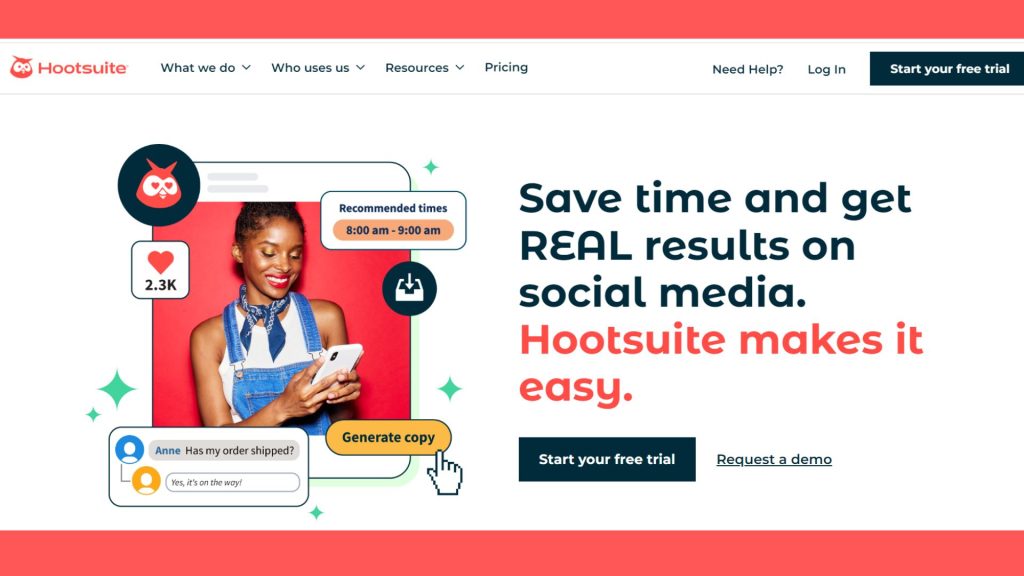
One of the most well-known and functional social media scheduling apps is Hootsuite. In addition to Facebook, Twitter, Instagram, LinkedIn, and Pinterest, it supports a wide variety of platforms.
Features
The main features of Hootsuite include:
- Unified dashboard: Manage all of your social media accounts from a single dashboard, making it simple to keep an eye on and interact with your audience.
- Scheduling: Planning and scheduling postings on many channels will ensure that the content is delivered consistently.
- Analytics: Monitor key performance indicators and learn more about your social media marketing initiatives.
- Team Collaboration: Work together as a team, delegate work, and keep a consistent social media approach.
2. Buffer
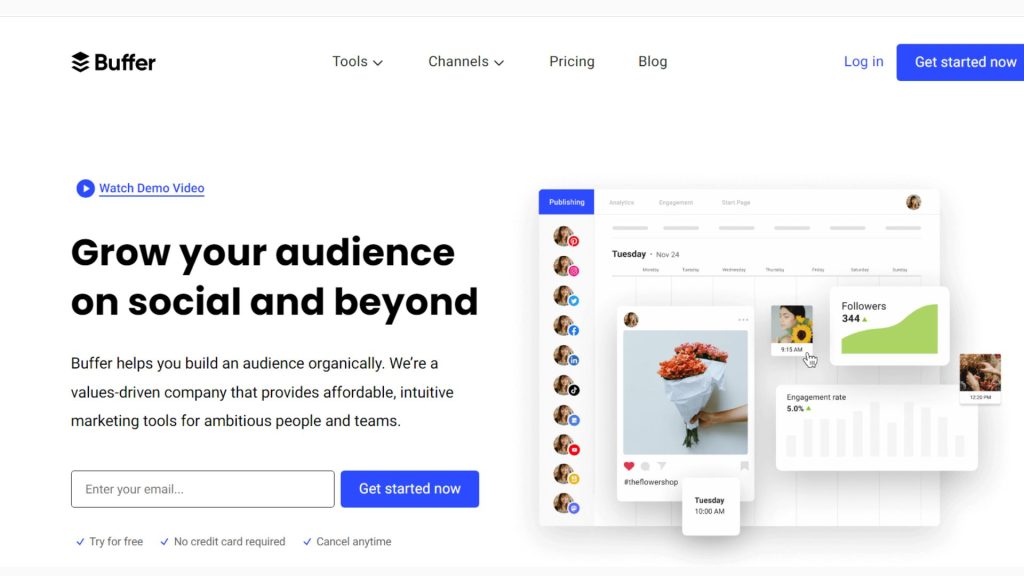
Another well-liked tool for streamlining social media scheduling is Buffer. You can plan posts, track engagement, and assess effectiveness across a variety of channels thanks to its user-friendly interface. With the help of “Pablo,” a special tool from Buffer, you can make eye-catching images for your posts, improving the visual attractiveness of your material. You may monitor important KPIs and change your approach to maximise ROI by using its comprehensive analytics.
Features
The features of Buffer include:
- Content Calendar: With a user-friendly calendar interface, visualise your content schedule.
- Queue management: Manage your queue by automatically scheduling posts depending on the best times to publish them for your audience.
- Browser extension: Share stuff you find online quickly and easily using a browser extension.
- Analytics: Track the effectiveness of your posts and marketing initiatives to make adjustments to your plan.
3. Later
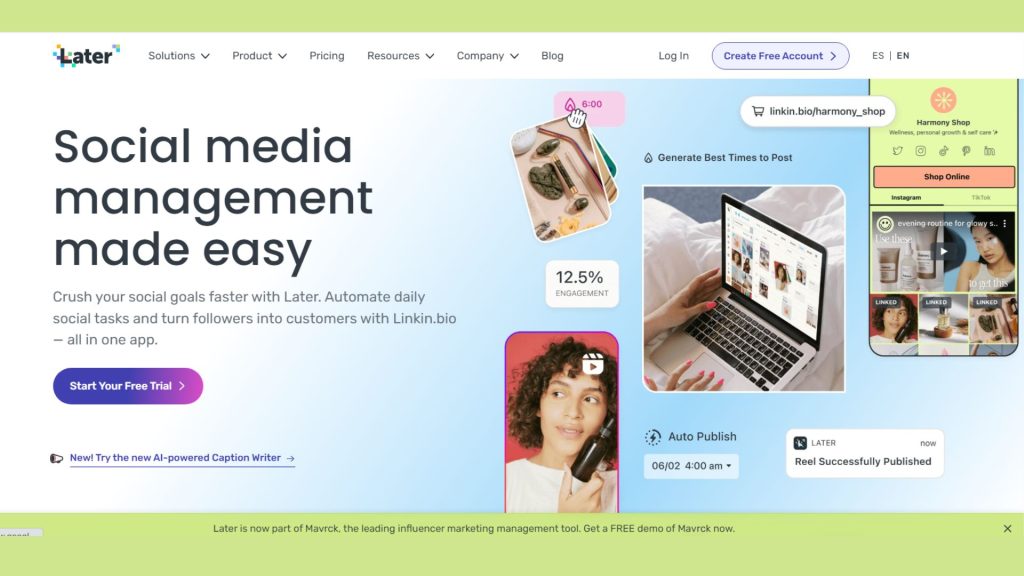
Later was created especially for visual social media websites like Instagram, Pinterest, and TikTok. It focuses on making visual content scheduling simpler.
Features
- Visual Planning: Utilise a drag-and-drop interface to preview and plan your Instagram grid.
- Linkin bio: Create a shoppable landing page from your Instagram posts with Linkin.bio to increase website traffic.
- Hashtag suggestion: Consider using relevant hashtags to increase discoverability.
- User-Generated Content: Curate and distribute user-generated material on your profile with ease.
4. CoSchedule:
Features
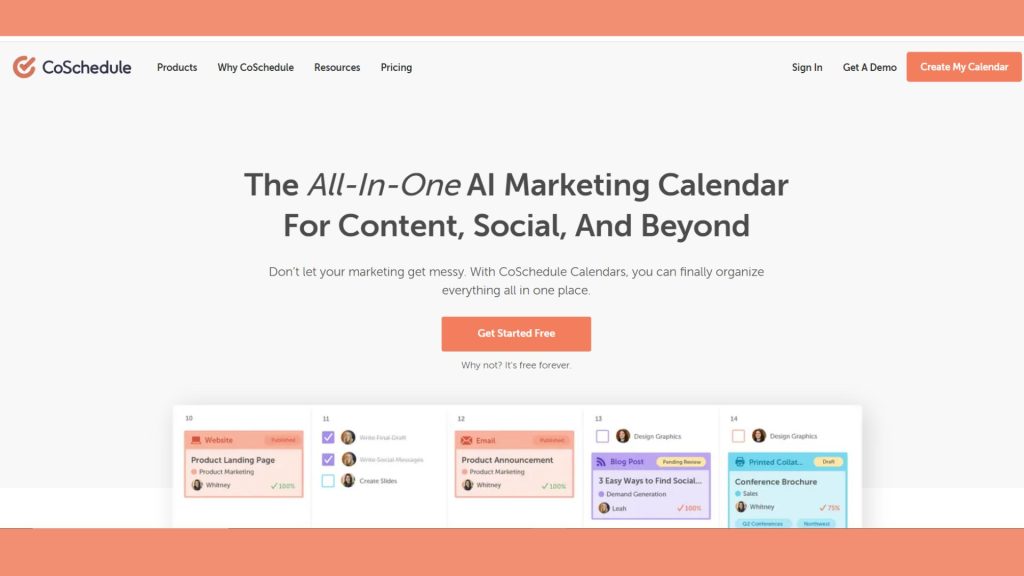
- Project management: You can organise your projects, tasks, and deadlines using CoSchedule. You can design unique procedures, establish deadlines, and delegate responsibilities to team members.
- Content calender: CoSchedule’s content calendar can help you organise your content marketing strategy. You may schedule social media postings, build a content calendar, and monitor your success.
- Social media scheduling: CoSchedule makes it easy to plan out your social media postings in advance. You may monitor your social media analytics to find out how well your postings are doing.
- Team collaboration: Collaboration within the team is made simple using CoSchedule. Team members can be given access to projects, tasks, and files, and you can keep tabs on their progress.
- Integration: CoSchedule interacts with a number of different tools, including Salesforce, Google Drive, and WordPress. This makes gathering all of your marketing data in one location simple.
- Analytics: Analytics are available on your projects, tasks, and social media updates thanks to CoSchedule. You can use this information to monitor your progress and tweak your marketing plan.
5. MeetEdgar:
Features
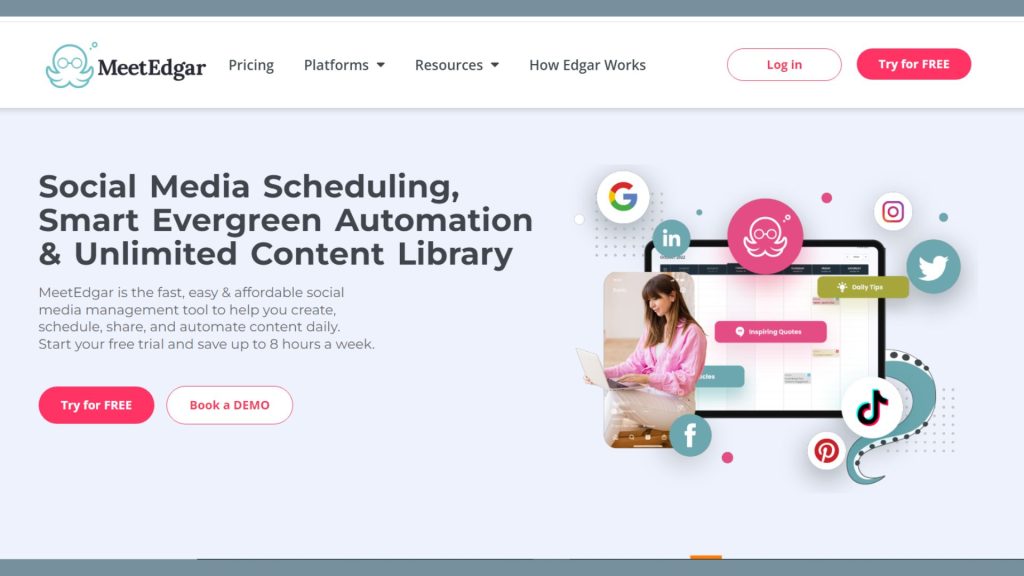
- Content library: Organise and save your information in a content library for simple access.
- Automated Scheduling: Create a schedule for posting, and MeetEdgar will repurpose your content to maintain constant visibility.
- Category based scheduling: Organise content into categories and schedule postings in accordance with the guidelines for each category.
- Variation testing: Test many iterations of your content to determine which resonates most strongly with your audience.
6. Sprout Social
Features
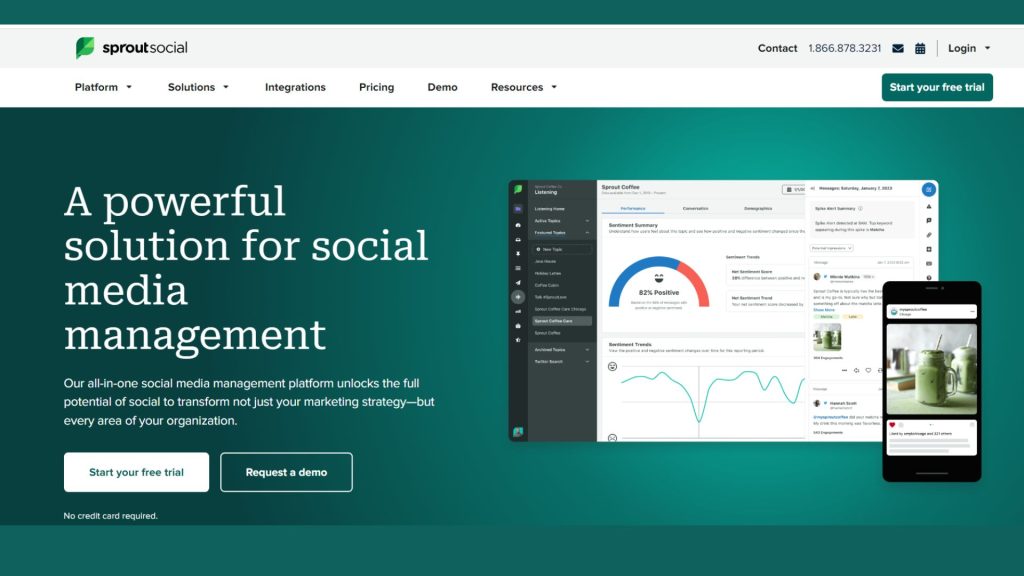
- Smart inbox: Manage messages, comments, and mentions in one place with the smart inbox.
- Schedulling optimization: Optimise your scheduling to post at the times that will generate the most interaction.
- Social CRM: Effectively manage relationships and keep track of customer interactions with social CRM.
- Collaboration tools: Improve teamwork with functions like content calendars and approval workflows.
Tips for Using Social Media Scheduling Tools
- Create a content plan in advance. Using a social media scheduling tool allows you to organise your content ahead of time and schedule it to go up at particular periods. By doing this, you can make sure that you always publish new material and reach your target audience during the times when they are most likely to be online.
- Analyse your data to monitor your progress. Most social media scheduling systems provide analytics capabilities that let you monitor the success of your initiatives. You can use this data to determine what is effective and what is not so that you can modify your plan as necessary.
- Work together as a team. A social media scheduling tool can be used to coordinate content and make sure that everyone on your team who manages your social media accounts is on the same page.
- As much as you can, automate. Social media publishing, replying, and reporting chores can all be automated with the use of social media scheduling software. By doing this, you may have more time to devote to developing other areas of your company.
You may use social media scheduling tools to save time and increase ROI for your company by using the advice in this article.
Conclusion
Social media scheduling tools are a lifesaver for companies looking to effectively manage their online presence. These solutions can help you save time, improve teamwork, and ultimately increase your ROI by assuring consistent and purposeful content delivery across numerous platforms, whether you’re a lone entrepreneur or a member of a large team. Select the tool that best reflects your choices and meets your unique demands by taking into account those needs.
Join us as you begin your Shopify journey
We are e-commerce specialists and Shopify Partners. Get in touch with us if you need assistance with Shopify, need a whole website built, or have any other general questions.