
Businesses can benefit greatly from social media advertising, but the time spent managing social media accounts is time that is not being used for supply chain optimisation, team building, or product creation. Employing social media managers is one way some businesses get around this. Other small businesses maintain their presence on various networks using social media management software.
Social media marketers can use social media management solutions to automate scheduling of posts and outcomes monitoring across various accounts. For customers with modest usage, many social media management programmes provide a free plan with the option to upgrade to a paid plan later on. The top free social media management tools for posting scheduling and social media monitoring are listed below.
Table of Content
- What exactly is social media management?
- What is social media management tool?
- 7 well-liked and cost-free tools for managing social media
- Choosing the Best Decision for Your Social Media Management Tool
- Benefits of social media management tool
- Conclusion
What exactly is social media management?
The maintenance of your accounts on various social networks is the main goal of the social media marketing subspecialty known as social media management. By posting frequently on social media, it is hoped to establish a strong online presence.
Utilising social media scheduling applications, you may have content sent on your various social media platforms automatically. You can share the same social media content across all your platforms, or you can create posts specifically for a given social account, such as a text-based post on Twitter and a video-based post on TikTok. Additionally, you may optimise your online presence by analysing your post engagement with the help of analytics tools and putting new social media strategies into practise.
What is social media management tool?
A software platform called a social media management tool enables users to schedule, manage, and analyse their social media material across many platforms from a single dashboard. These technologies simplify the posting, interacting with followers, tracking mentions, and performance measure analysis processes. They increase time savings, organisation, and general effectiveness of social media marketing initiatives.
7 well-liked and cost-free tools for managing social media
Utilising a single centre, social media management systems let you schedule posts, monitor post performance, and engage with customers. The majority of social media management software have a monthly subscription fee, although many also have a free version with limited features. The following list of free social media management tools may be interesting to you:
1. Planable
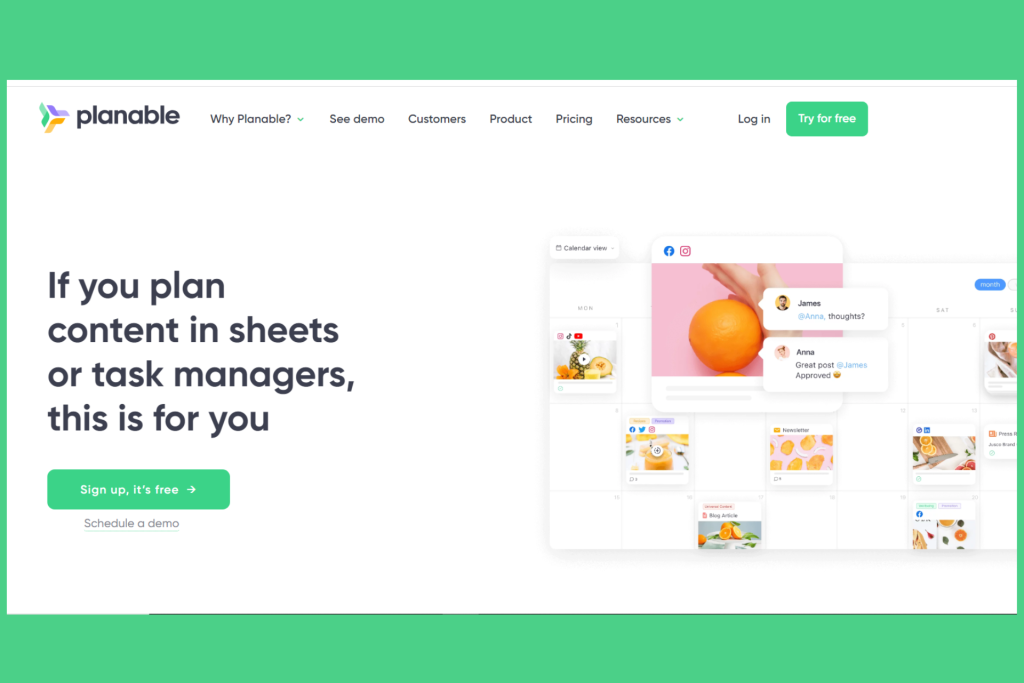
Planable is renowned for its collaboration features, which make it ideal for groups putting up social media campaigns. Before a post is published, it enables team members to evaluate, comment on, and approve it. Up to three social media accounts and three team members are included in the free plan.
2. Later
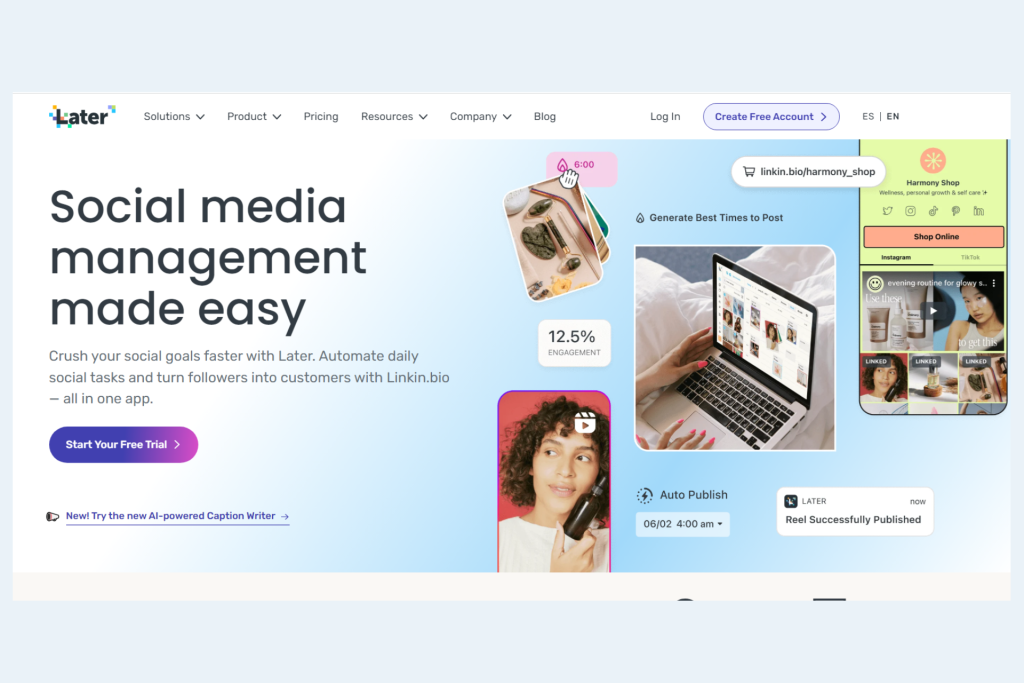
The free version of Later offers statistics, unrestricted media storage, 10 posts per month per social media network, the option to save captions, and the ability to preview scheduled posts on your Instagram profile. You may reach your target audience by posting using Later whether they are on Facebook, Twitter, Instagram, TikTok, LinkedIn, or Pinterest. Tools like Linkin.bio, which enables you to link to numerous social media networks and websites from your Instagram bio, are part of the free plan and may be very helpful for Instagram users. When you switch to a subscription membership, which starts at $18 per month, you can publish more frequently and add more team members.
3. Tailwind
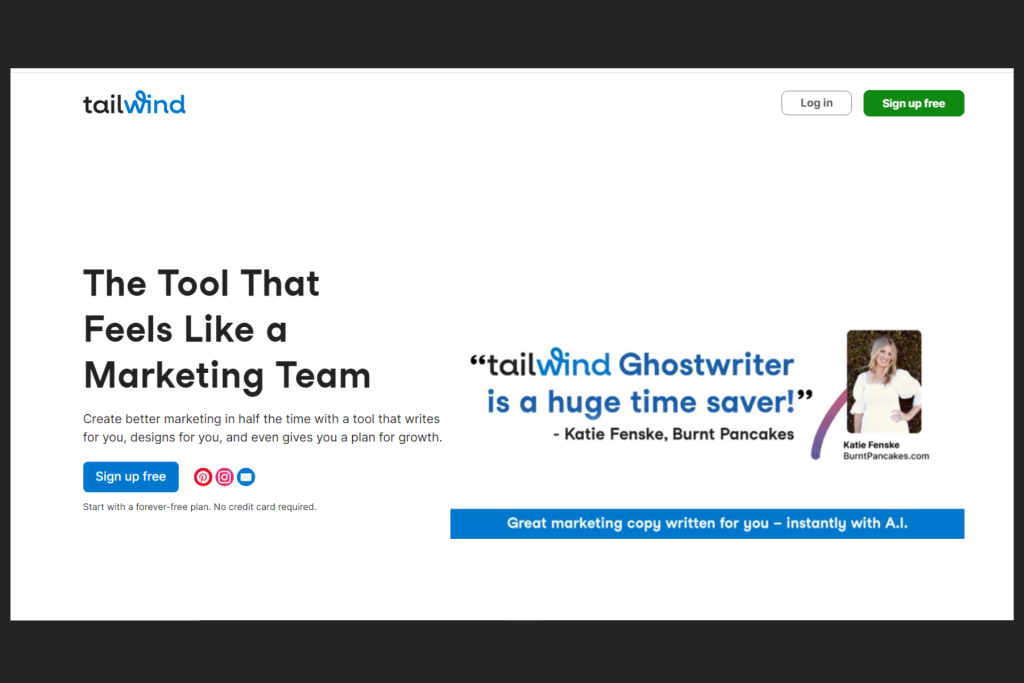
An Instagram, Facebook, and Pinterest posting scheduler called Tailwind is available. One user can schedule up to 20 posts across all three platforms with Tailwind’s free plan, and they can also schedule up to 200 email campaigns every month. The free package gives you access to fundamental analytics and gives you the option to make a unique Smart.bio link for your Instagram profile. More feature-rich paid plans start at $10.39 per month.
4. Shopify Inbox
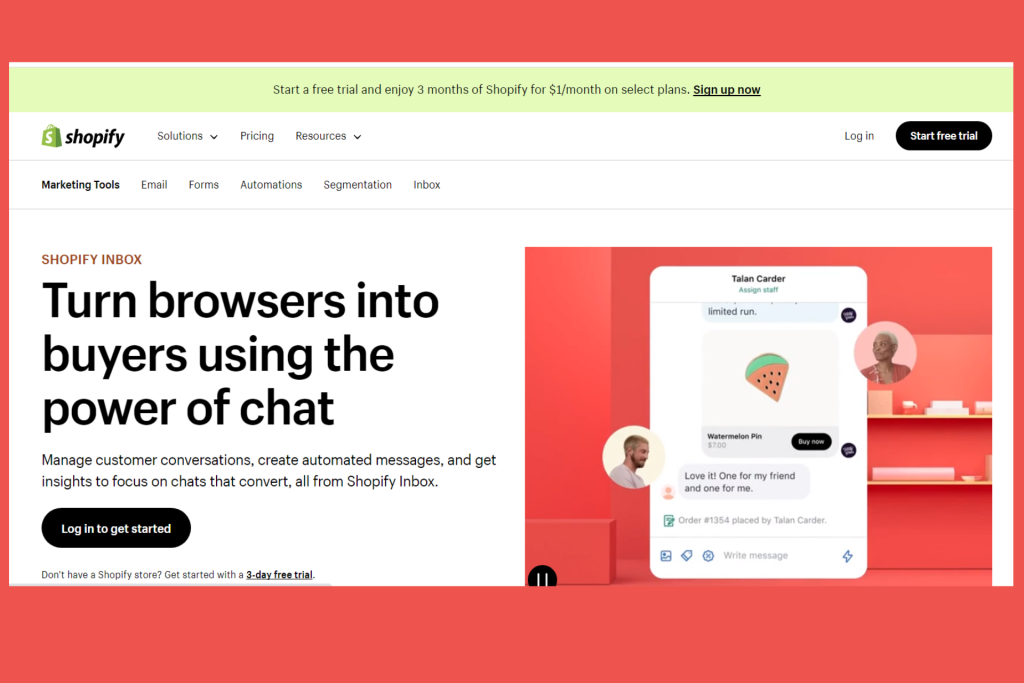
Shopify Inbox is a solution that allows you to view all client communication in one place, including communication from your e-commerce website and from significant social media networks like Facebook and Instagram. Additionally, you can develop automated messages and learn more about effective messaging. With a Shopify ecommerce subscription, which begins with a free trial, Shopify Inbox is free.
5. Buffer
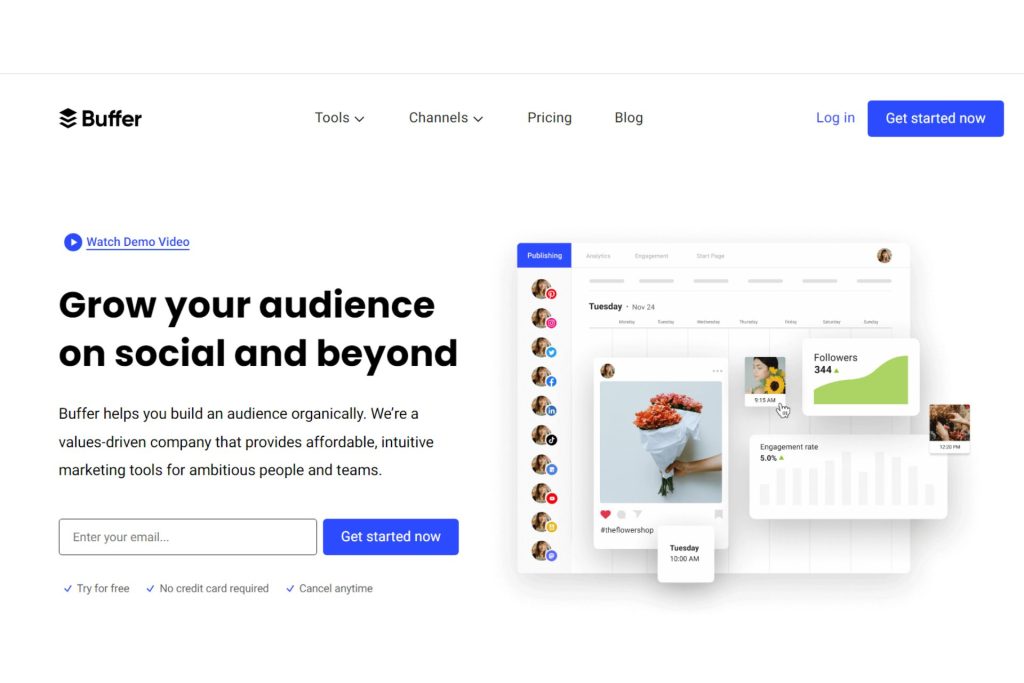
A landing page builder, the capacity to schedule up to 10 articles at once, and an AI assistant are all included in Buffer’s free plan. To assist you in maintaining a strong social media presence, it can plan updates on Facebook, Instagram, LinkedIn, Pinterest, TikTok, and Twitter. You can manage up to three social media profiles simultaneously with a free account. Paid packages begin at $6 a month.
6. Snapchat Ads
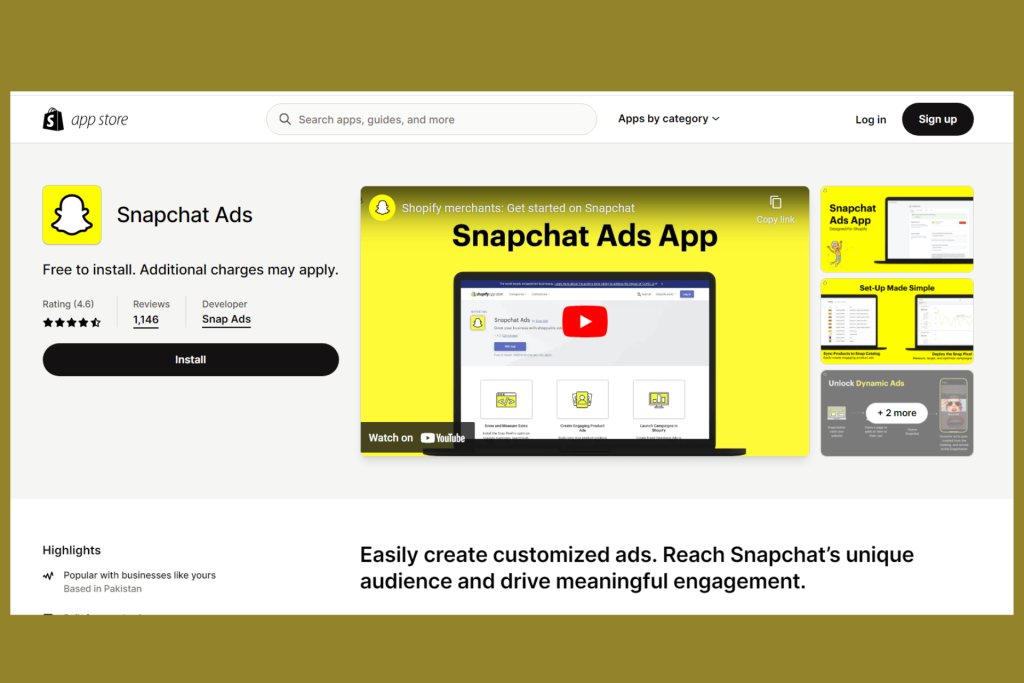
In the Shopify App Store, which links with your current Shopify storefront, you can find Snapchat Ads. It aids in the creation of social media advertisements for Snapchat’s user base, which primarily consists of younger millennials and members of Generation Z. One of its benefits is the ability to sync with your Shopify catalogue so that your product information is always current. Additionally, you may monitor the success of your ads using powerful analytics tools like return on ad spend. Installing Snapchat Ads is free, however some services require a monthly subscription.
7. Crowdfire
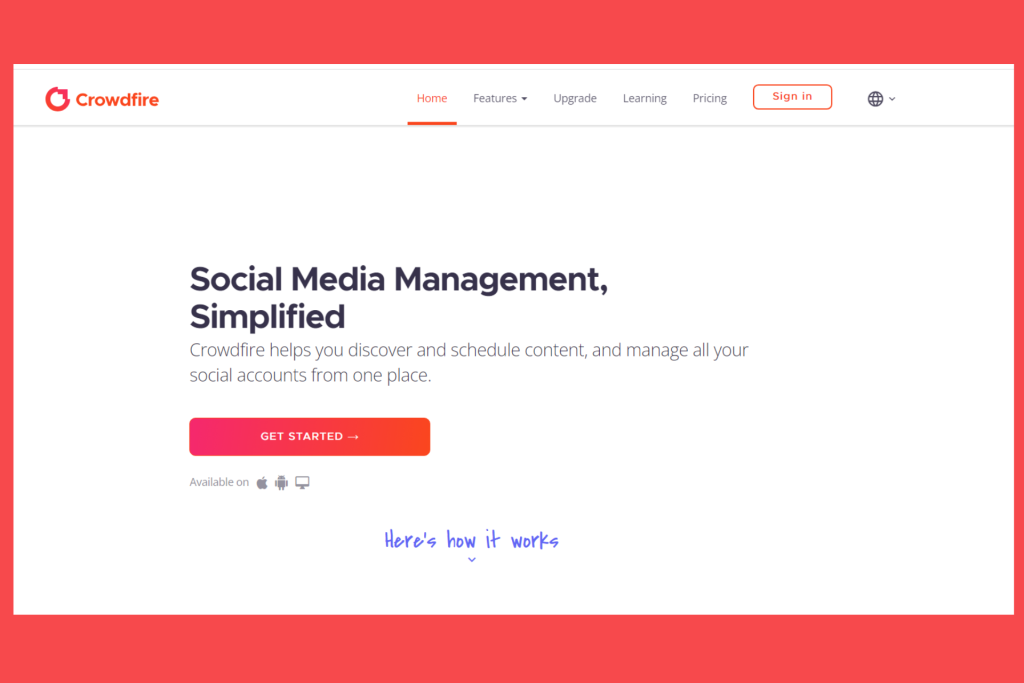
Because it enables you to curate that content and release it on the best channels at the most advantageous times, Crowdfire caters to social media marketers who have a sizable media library of visual content. You may schedule up to 10 posts per account with the free plan, receive hashtag suggestions, and control up to three Facebook, Twitter, LinkedIn, or Instagram accounts. You can publish material without opening the Crowdfire app using the Chrome browser extension that is included of Crowdfire’s free plan. You must subscribe to a subscription plan, which starts at $9.99 per month, if you want access to more sophisticated social media interaction and marketing capabilities.
Benefits of social media management tool
The following are some benefits of using a social media management tool:
- Save time: By automating chores like posting schedules and commenting, social media management systems can help you save time. By doing this, you may have more time to devote to developing other areas of your company.
- Enhance effectiveness: By giving you insights into your audience and performance, social media management solutions can help you enhance the effectiveness of your social media marketing. You can use this information to produce campaigns and content that are more successful.
- Boost engagement: Social media management solutions, which offer features like analytics and social listening, can assist you in boosting interaction with your followers. You may use this information to determine the types of material your audience is interested in and how to interact with them more effectively.
Choosing the Best Decision for Your Social Media Management Tool
Your unique requirements and financial situation will determine the best social media management tool for you. One of the above-mentioned free tools can be a decent choice if you’re just getting started. However, you might want to think about a premium tool if you need additional features or have a larger social media following.
The following aspects need to be taken into account when selecting a social media management tool:
- The qualities you require are: The functionality you require, such as scheduling, analytics, and social listening, should be included in the solution you choose.
- Your social media presence’s scope: If you have a sizable following on social media, you’ll need a solution that can manage numerous accounts and a lot of postings.
- Your spending plan: Tools for managing social media can cost nothing or hundreds of dollars per month. Pick a tool based on your needs and budget.
Spend some time learning how to use the social media management platform you’ve chosen. You’ll manage your social media presence more effectively as you use the programme more frequently.
Conclusion
Without the proper tools, managing your online presence in the quick-paced world of social media can be difficult. In order to schedule, post, and analyse your content across numerous social media channels, social media management tools offer a solution. Whether you’re a freelance content writer or a small business trying to improve your online presence, the seven free choices described in this article offer a variety of capabilities to meet diverse demands. Discover the tool among them that best suits your interests and goals, and you’ll see how easy it is to manage your social network accounts.
Join us as you begin your Shopify journey
We are e-commerce specialists and Shopify Partners. Get in touch with us if you need assistance with Shopify, need a whole website built, or have any other general questions.