
This post will go through a crucial Shopify SEO checklist that will boost the visibility of your store in search engine results and increase organic traffic to your website.
Understanding how search engines crawl and rank sites and how to enhance SEO for Shopify is what worries and baffles new Shopify store owners the most.
Although anyone may start their own business thanks to the abundance of eCommerce platforms and digital marketing avenues, the degree of competition is overwhelming.
Table of Content
- How to Do Shopify SEO .[ Shopify SEO Checklist ]
- 1. Setup the Necessasry tools
- 2. Research SEO Keywords
- 3. Have a Successful eCommerce Link Building Strategy
- 4. Achieve Content Optimisation for Your Shopify Store
- 5. Resolve SEO technical Problems
- 6. Use content marketing to improve Shopify SEO
- 7. Use Shopify’s tools and apps to rank higher
- Final Thought
How to Do Shopify SEO .[ Shopify SEO Checklist ]
1. Setup the Necessary tools
Setting up the necessary tools you’ll need for Shopify site optimisation is the first item on the Shopify SEO checklist.
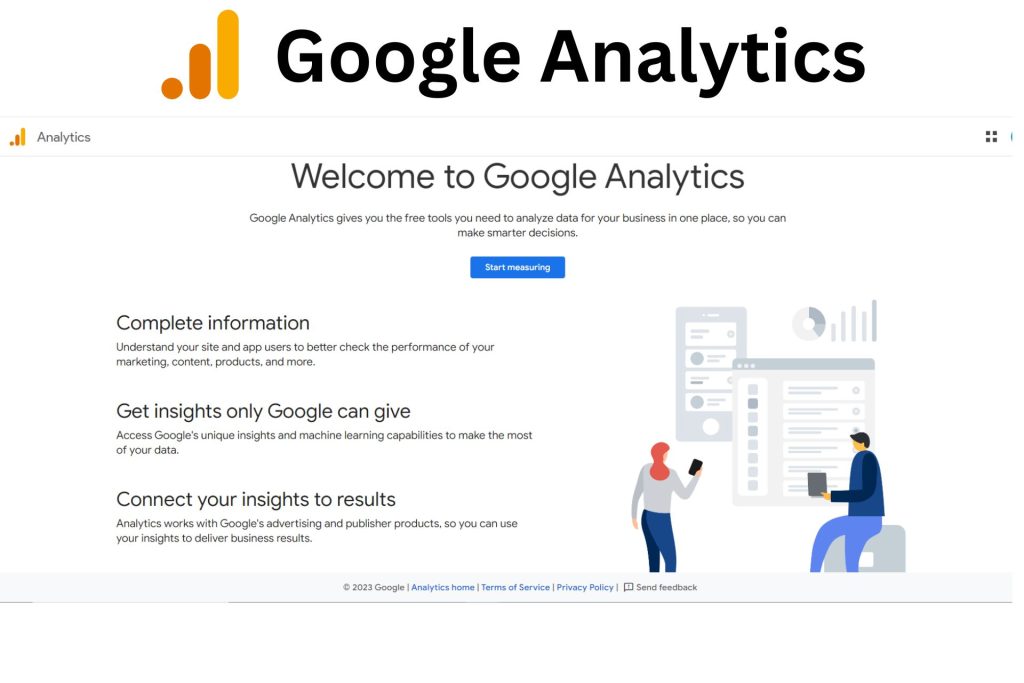
(1). Establish Google Analytics
We strongly advise you to install Google Analytics right away if you haven’t already done so for your website. This online analytics service tracks and provides detailed information on website traffic.
By using Google Analytics, you can discover:
- Conversion rates and overall conversion numbers.
- What percentage of your revenue comes from SEO.
- The pages that produce the most value.
(2). Establish Google Search Console
Google Search Console is a fantastic additional tool you should use for Shopify SEO.
In order to monitor, maintain, and troubleshoot a website’s presence in Google search results, website owners can use Google Search Console, a free service provided by Google.
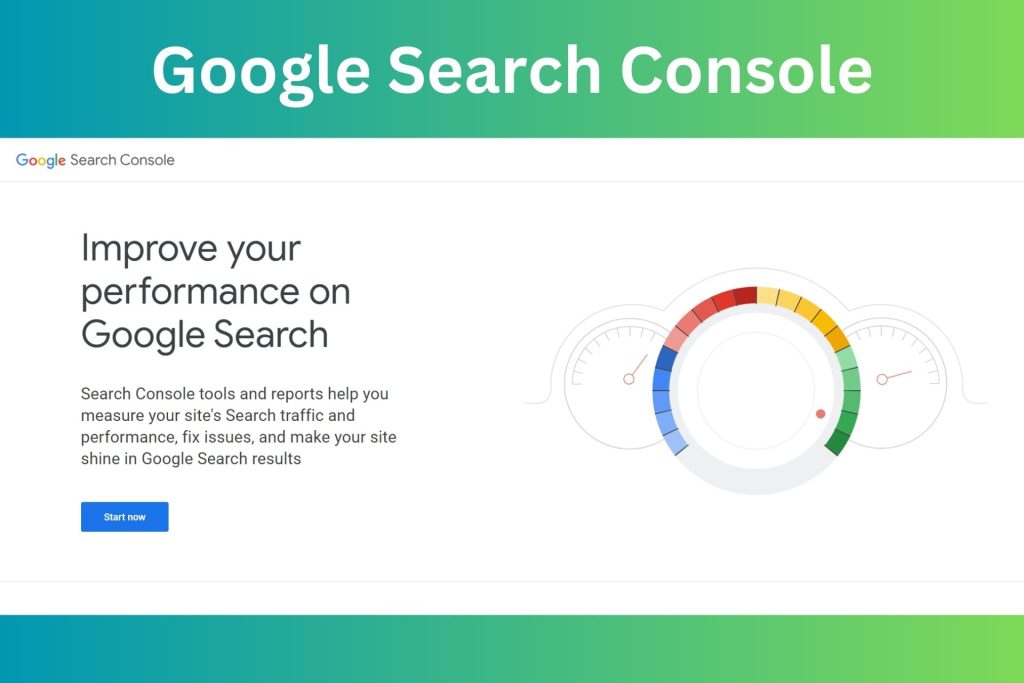
It offers useful information on the performance, problems, and traffic from Google Search for your website. For example:
- What search terms and keywords are driving visitors to your website?
- Your page’s SERP (search engine results page) click-through rate
- How the position of your keywords varied over time
You can also complete various technical SEO chores with the aid of Google Search Console, such as:
- Sitemaps and specific URLs submission for Google indexing and crawling.
- Detecting problems with your website and receiving notifications about them.
- examining the robot.txt file for mistakes.
2. Research SEO Keywords
Finding common terms and phrases that people use in search engine queries is a fundamental component of SEO.
Recognise the Fundamentals of Keyword Analysis for Shopify SEO
One of the most important items on this Shopify SEO check list is it. When done correctly, keyword research can assist you in organising your content strategy, choosing products, and enhancing Shopify SEO.
To study the fundamentals of keyword research, you must comprehend three important ideas: search volume, keyword difficulty, and search intent.
The average monthly search volume for a given query on a search engine is known as search volume. It is more well-liked the more searches there are for it.
Keyword search volumes can be used as:
- Which new products to introduce is decided upon by
- in order to identify the best keyword to target.
How to Find the right Keywords
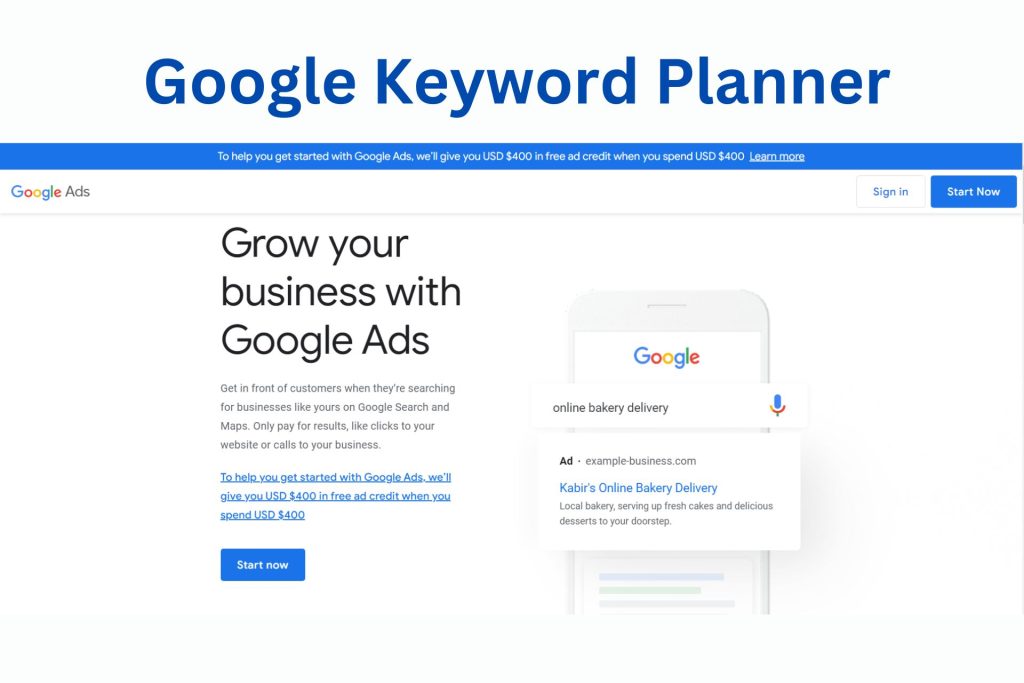
1. Google Keyword Planner:
You may use Google Keyword Planner for free, and it will provide you details on the number of searches for certain keywords, their level of competition, and their cost per click (CPC).
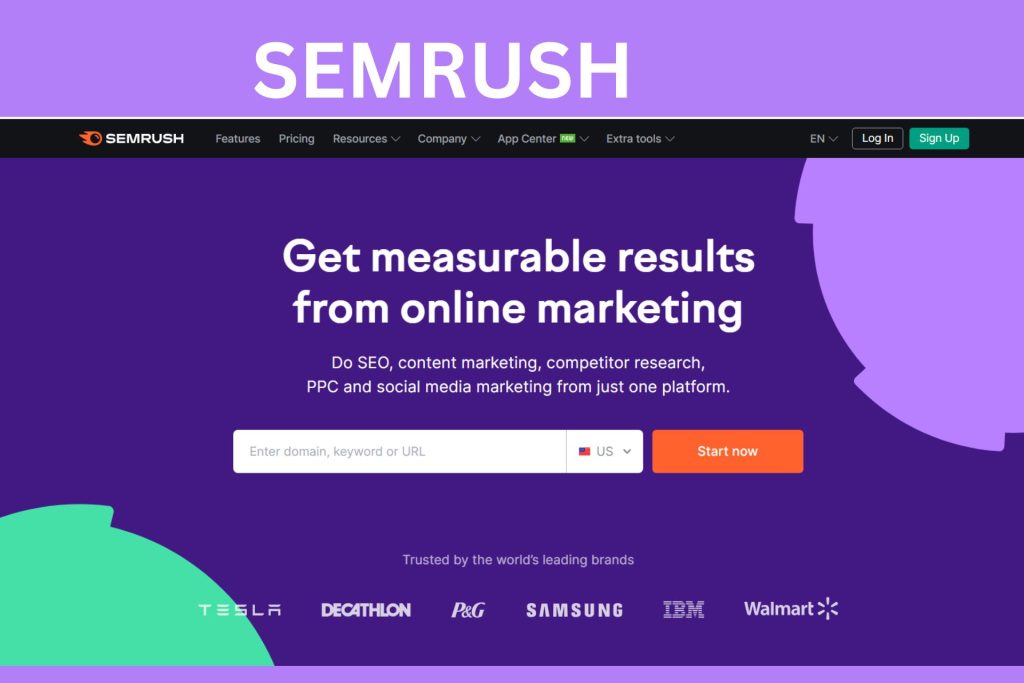
2. Semrush
This tool offers a larger range of capabilities, including keyword ideas, SERP analysis, and competition research. It is a more comprehensive keyword research tool.
Make a Keyword Content Type Plan
Your website’s blog posts, homepage, product pages, and categories can all rank for various keywords that have various applications in your sales funnel.
Generally speaking, top-of-the-funnel keywords have higher search numbers but less commercial intent
Lower volume than upper funnel keywords, middle of the funnel keywords are used by users who have already moved one stage into the sales cycle. Frequently searched terms are vendors, brands, or items.
The least searched-for keywords have the greatest business potential. Users look up these terms to make purchases.
3. Have a Successful eCommerce Link Building Strategy
We have already discussed Shopify SEO tools, keyword research, and page optimisation in the Shopify SEO checklist. One more technical but equally effective Shopify SEO strategy is link building.
To determine which page ranks higher, search engines mainly rely on the authority of the pages and websites.
In SEO, the authority of websites and pages is mostly determined by the links that other websites point to yours. The following are some excellent practises for increasing the authority of your website through links:
- Discover unconnected mentions. Contact them and request that they mention and include a link to your website.
- Always more effective links come from websites with high domain authority.
- It is preferable to have links from other websites than just one.
- Guest post on websites that are related and include a link to your website.
- Request reviews of your items that contain links to them.
Enhance Your Pages for Higher Engagement
- On the pages for your products, include thorough descriptions.
- Provide links to pertinent product pages.
- Utilise only top-notch product photos and videos.
- Showcase ratings and reviews to provide social evidence.
4. Achieve Content Optimisation for Your Shopify Store
Any Shopify SEO checklist must start with on-page optimisation because it helps search engines comprehend what your content is about and helps you rank better.
Improve the titles and meta descriptions on Shopify.
Still among the most effective on-page SEO components are title tags and meta tags. Users see title tags in SERPs, which show the title of a certain page.
Only use one H1 tag per page. H1 tags are frequently used as the page’s headline and typically contain keywords.
The page titles on Shopify are H1 tags by default. Decrease the number of H1 tags you add elsewhere on a page.
Make sure your titles are no longer than 60 characters
To ensure that your titles appear completely on SERP, keep them to around 60 characters. Most page names’ first 50–60 characters are shown by Google. For this reason, your page title should start with your primary keyword.
The short text that appears in search engine results under the page title is known as a meta description. Your CTR can go up with a stronger meta description, which will help you rank higher. Your meta descriptions should not exceed 155 characters. Longer meta descriptions are frequently deleted by Google.
To guarantee that the length of your title and meta description is ideal, use Popupsmart’s free SERP preview tool.
5. Resolve SEO technical problems
The rankings in search results are negatively impacted by technical faults. Because of this, you need to confirm that this item on your Shopify SEO checklist is correct.
What is technical SEO?
Technical SEO describes the components of your website that operate in the background and have an impact on how search engines crawl, index, and rank your pages. This encompasses things like the programming, organisation, and functionality of your website.
Find and correct crawl errors
Crawl issues prohibit Google from properly displaying your website, which lowers your position in search results
To find any crawl issues, visit Google Search Console. They are listed in the report on coverage.
Technical SEO tools:
Here are some tools you can use to resolve technical SEO problems. Among the most widely used tools are:
1. Ahrefs:

2.Google Search Console:
A free Google service called Google Search Console (formerly known as Google Webmaster Tools) enables you to keep track of and enhance your website’s visibility in Google Search results. Although you are not required to register for Search Console in order for your website to appear in Google search results, doing so might help you understand and optimise how Google views your website.
How to Solve Technical SEO Problems
There are several approaches to address technical SEO problems. Among the most popular techniques are:
- Using an SEO auditing tool for technical SEO: These programmes can check your website for SEO technical problems and make suggestions for resolving them.
- Working with a technical SEO expert: A technical SEO expert may assist you in locating and resolving technical SEO problems with your website.
- Technical SEO resources to read: You may find a variety of internet sites that can teach you more about technical SEO and how to resolve problems.
Implement a responsive theme
Fix broken Links
6. Use content marketing to improve Shopify SEO
Let’s review the content of your website now that everything else on your Shopify SEO checklist has been completed.
Content encourages clicks, raises brand awareness, and makes it easier for potential customers to locate you. Aim for specialist keywords in your business, whether you’re writing blog entries or detailed product descriptions.
It can be difficult to decide what to write, but I promise that content marketing can greatly improve your search engine results.
Write material that will be valuable to users, make a list of all the queries your customers have, and look at what your competitors are writing.
It is also a simple approach to increase the number of links pointing to your website.
To check your online store speed :
Online store speed report

7. Use Shopify’s tools and apps to rank higher
In addition to Google’s own tools, you can use the best Shopify apps and useful third-party solutions like Popupsmart.
Popupsmart assists you in optimising your Shopify store so that you can make the most of your current visitors. When making contemporary popups with Popupsmart, you can:
- Gather consumer email addresses for your email marketing campaigns.
- Increase your conversions.
- lower the number of abandoned shopping carts.
- Provide your clients with promo codes and discounts.
In addition, Popupsmart setup and the creation of a Shopify popup without a plugin both require 5 minutes. You can start right away for nothing.
Tools of Shopify to Rank Higher
Here are some of the tools of shopify to rank higher:
Final Thought
All done! Your store will now rank on Google’s first page thanks to your handy Shopify SEO checklist. I sincerely hope you find this thorough Shopify SEO tutorial useful.
You might be surprised to learn how quickly you can get such high rankings! Just stick to this advice and stay informed about revisions to search engine software and algorithm adjustments.
Join us as you begin your Shopify journey
We are e-commerce specialists and Shopify Partners. Get in touch with us if you need assistance with Shopify, need a whole website built, or have any other general questions.