

Ask a seasoned businessperson where you should advertise your brand’s web presence, and they’ll probably reply, “Everywhere!” Putting your best foot forward for any consumer, whether on static web pages or social media accounts, can mean the difference between a hearty profit and a sluggish slide into insolvency.
If you notice that the majority of your target market is using your social media platforms, you might want to consider making a financial investment in social media management. This can help you make the most of your social media traffic and convert a casual user into a paying client.
Table of Content
- What is social media management?
- What advantages do social media management offer?
- Benefits of social media management
- 7 Essential social media management tools for your business
- Tips for choosing social media management tools
- Concludion
What is social media management?
The practise of managing a company’s social media initiatives, which include posting material, interacting with users, and evaluating the outcomes of these efforts, is known as social media management. Some businesses handle this informally, allowing staff members to spontaneously post on Twitter and Instagram.
What advantages do social media management offer?
You will benefit as a small business owner if you use social media management services. You gain in three crucial ways when your team (or a hired contractor) plans campaigns across social media networks:
Wherever customers are most active is where you can find them
According to Statista, the average internet user will spend 151 minutes per day on social media sites by the year 2023. They spend significantly more time on this than on business websites or online marketplaces. These results show that by engaging consumers on social media platforms, where they spend the majority of their time, you may reach more customers.
You inform people who are interested in your products
According to a 2022 digital marketing poll, 54% of consumers use social media to investigate a product, and 71% have made a direct purchase through a social media site. Some of these customers might not bother visiting your official website to learn more about your business, so while you have their attention on social media, educate them about your firm.
You discover what the general public is thinking
Managers of social media don’t merely publish material online. To keep up with market trends, they also keep an eye on user-generated content created by members of their target market. To find out what the general public thinks about their goods and services, they can also track responses to their own social media initiatives. Using social media monitoring tools like Hootsuite and Hashtagify, this process is known as social listening and aims to understand public opinion.

Benefits of social media management
Social media management has multiple benefits for people as well as businesses. Some of the main benefits are as follows:
- Brand awareness: Social media platforms offer a sizable audience, enabling you to expand the exposure and reach of your brand. Engaging material that is regularly posted might aid in increasing brand awareness.
- Engagement with audience: Social media enables you to have direct conversations with your audience. Building a devoted and active community around your business can be accomplished through responding to messages, comments, and conversations.
- Lead generation: Social media platforms give users the ability to target particular demographics, which makes it simpler to draw in new clients. You can generate leads and increase traffic to your website by posting pertinent content and using targeted advertising.
- Customer insights: Social media gives you a platform to get opinions and market research from your target audience. You can gain a more thorough understanding of the preferences and demands of your consumers by analysing engagement numbers, comments, and debates.
- Cost-effective marketing: Social media marketing is frequently more cost-effective than traditional advertising. Numerous social media networks provide inexpensive advertising choices that can produce notable results.
- Competitors analytics: Analysing your competitors’ social media presence can give you useful information about their tactics and interactions with clients. This might assist you in seeing possibilities and maintaining your competitiveness in your sector.
- Content distribution: Social media is a useful tool for disseminating content, whether it be blog entries, films, infographics, or other types of media. Sharing insightful material has the power to draw in and keep followers.
- Improved SEO: Social media signals like likes, shares, and comments can affect how well your website performs in search engine results. Sharing excellent content online can increase traffic to your website and boost its authority.
- Partnership and collaborations: Social media may help businesses and individuals collaborate with one another as well as with influencers and leaders in their fields. This can assist you in reaching new audiences and extending your reach.
- Data analytics: Social media networks have powerful analytics tools that give you information about the characteristics, habits, and preferences of your audience. Your content production and marketing efforts can be influenced by this data.
- Real-time updates: You can share real-time updates about your goods, services, events, and promotions on social media. This keeps your audience interested and informed.
7 Essential social media management tools for your business
In your efforts to manage social media, you aren’t doing anything alone. There are several social media management solutions available on the market nowadays that help improve workflow and maximise your efforts. Here are some tools to pay close attention to, many of which are available in the Shopify App Store.
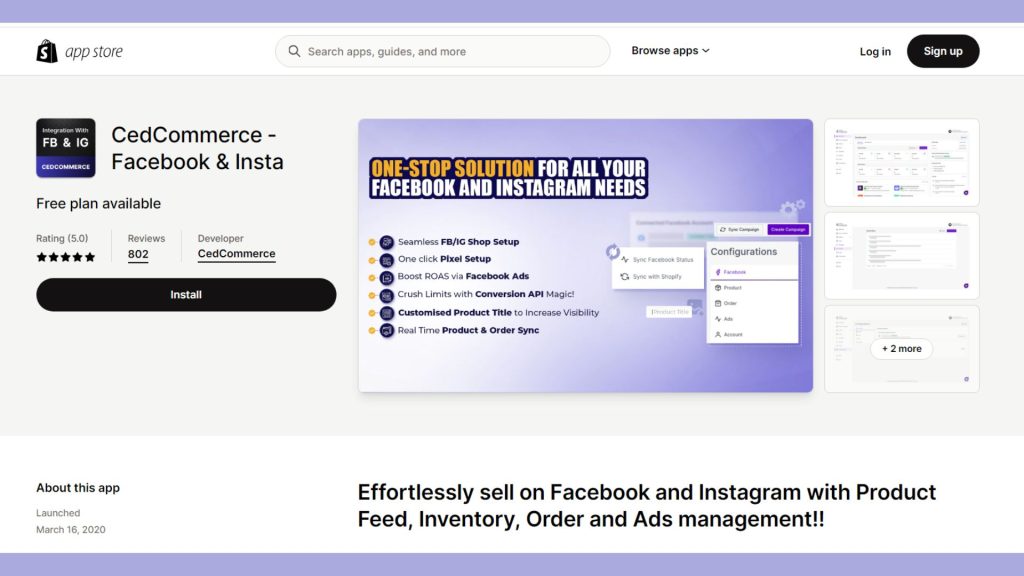
1. CedCommerce – Facebook & Insta
Features
- Userfriendly interface.
- Seamless Shopify integration.
- Automated sync of products.
- Real-time stock and sales updates.
- Product feed management.
- Simple setup of Meta pixels.
- Endless marketing plans.
- API conversion.
- Custom product titles.
- 24/7 support.
Pricing plans
- Basic plan: $9.99 per month.
- Premium plan: $19.99 per month.
2. Sprout Social
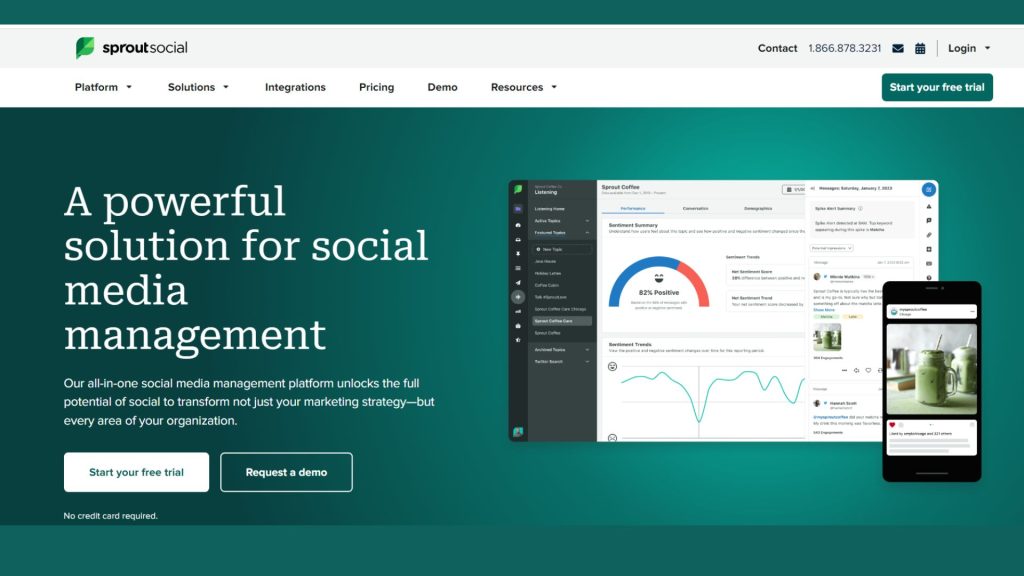
Both large brands and small businesses use the all-in-one social media management tool Sprout Social. In addition to assisting you with the creation and publication of posts across all significant platforms (such as Facebook, Instagram, and TikTok), it also offers a comprehensive suite of analytics tools to assist you in determining whether your campaigns are succeeding as planned.
Features
- Monitor and engage to messages from all of your social media accounts in one location.
- Plan and publish social media postings, including those with photographs, videos, and carousels.
- Content calendar: Plan your social media content and work together with your team.
- Analytics and reporting Detailed reports can let you monitor your social media performance.
- Review management involves keeping an eye on and responding to consumer reviews posted on Google, Facebook, and other websites.
- Competitive assessment Compare your social media results to those of your rivals.
- Promote your social media postings through paid advertising and monitor your progress.
- AI-based tools Utilise Sprout’s AI assistant’s recommendations to enhance your social media marketing.
Pricing plan
- Standard plan: For up to 5 social profiles, the standard plan is $99 per month.
- Professional plan: $149 per month for countless social profiles.
- Advanced plan: Optional features and an advanced subscription with unlimited social profiles are $249 per month.
- Free trial: You get 30 days to try Sprout Social without cost.
3. Hootsuite
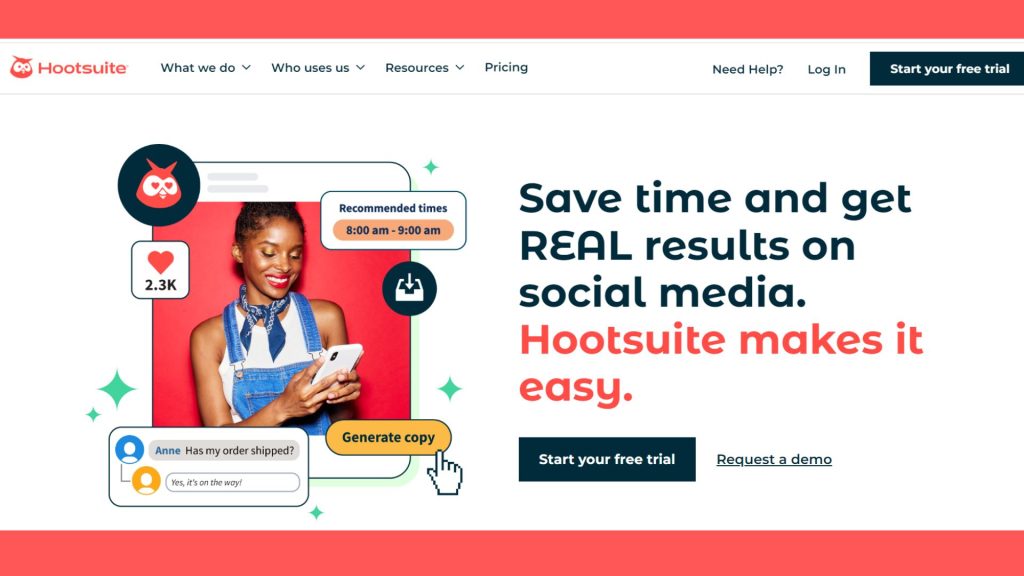
Similar in function to Sprout Social, Hootsuite concentrates more on general social media posts than e-commerce stores. It frequently works well for groups who administer their social media accounts internally but may have more than one individual in charge of posting.
Features
- Post on several social media networks and schedule them.
- Monitor and evaluate your social media activity.
- Control your mailbox on social media.
- Work together on social media initiatives with the team.
- Calculate the return on investment of your social media marketing activities.
- For a bigger audience, use social media advertisements.
- Learn more about your intended audience.
- Make social media tasks automated.
Price plans
- Free plan: For up to 3 social profiles and 1 user with the free plan.
- Basic plan: $29 per month for up to 10 social media accounts and 3 users.
- Standard plan: $99/month for 5 people and up to 50 social media profiles.
- Professional plan: $199/month for 10 users and up to 100 social media profiles.
- Business plan: $399/month for 20 users and up to 250 social accounts.
- Enterprise plan: Custom pricing starts at $599 per month.
4. Marsello: Loyalty,Email & SMS
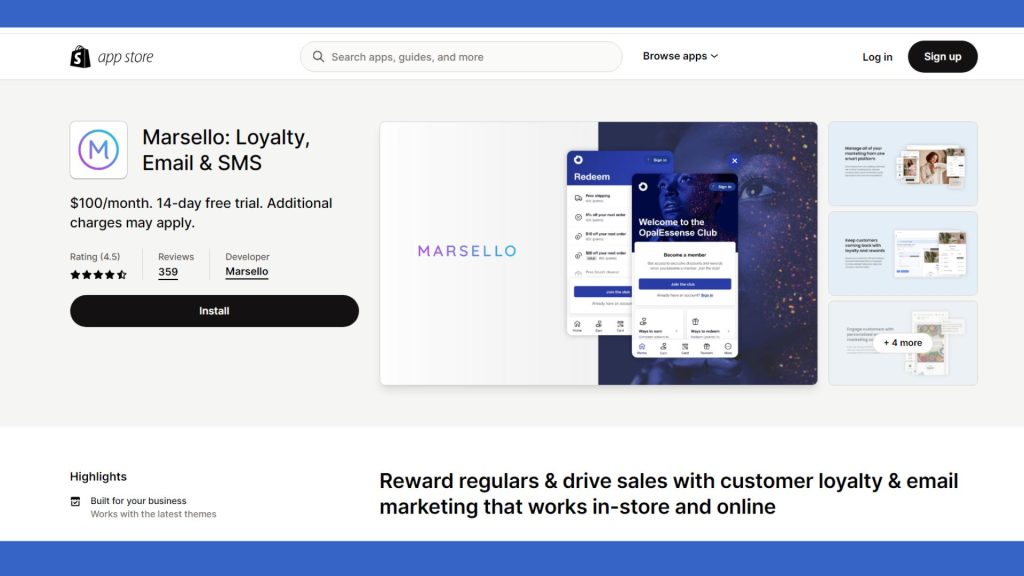
Marsello allows you to create content for email and SMS campaigns in addition to publishing to social media sites like Instagram and TikTok. The tool is excellent for popular Shopify ecommerce categories like clothes, beauty, and home products because it brings all of these platforms together under one virtual roof.
Features
- In order to thank your customers for their purchases, establish a loyalty programme. Points, awards, and discounts are all options.
- Send email campaigns to your customers to market your products, let them know about new arrivals, and send them exclusive offers.
- To reach your customers when they are on the go, send them SMS messages. This is a fantastic way to communicate time-sensitive information such as coupons and reminders.
- Design automatic processes based on consumer behaviour to deliver messages, launch prizes, and more.
- To offer more individualised messaging, divide your consumers into groups based on their past purchases, demographics, and other characteristics.
- Monitor the performance of your marketing activities.
Pricing plans
- A 14-day free trial is available for Marsello.
- Paid plans range in price from $100 to $1,000 per month.
- The cost is determined by the quantity of clients in your database and the quantity of connected e-commerce and point-of-sale websites.
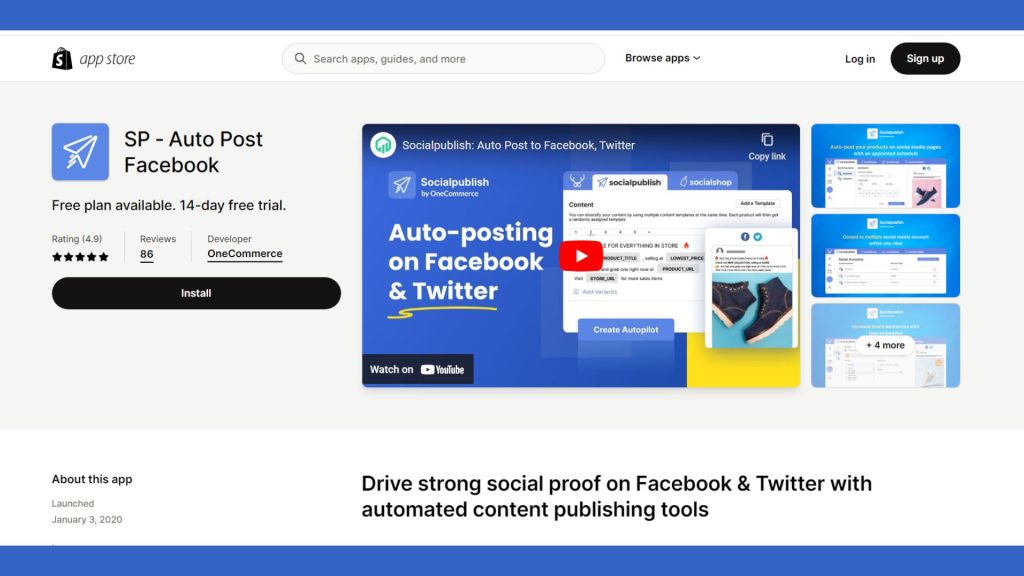
5. Socialpublish Autopost Facebook
This largely automated social networking tool Socialpublish is made for posting on Twitter and Facebook. To keep your feed alive and your consumers updated, it automatically reposts content from your archives as well as user reviews in addition to posting about your new products and specials.
Features
- Auto-post to Twitter, Instagram, and Facebook.
- Schedule prepared for posts.
- Make and control several autopilots.
- Make use of the drag-and-drop content calendar.
- Posts should have discount tags and your branding.
- Monitor your performance thereafter.
Pricing plans
- Free plan: Connect 1 social media account, publish up to 100 posts monthly, and setup 1 autopilot
- Basic plan: $9.95/month, up to 250 posts per month, 3 social media accounts connected, 5 autopilots set up.
- Pro plan: $19.95/month, up to 500 posts per month, five social media accounts connected, and ten autopilots configured.
- Plan for business: $29.95/month, includes setting up unlimited autopilots and connecting up to 10 social media accounts
6. Messenger Channel
You may communicate with people on Facebook chat and Instagram with this Shopify-built social media tool messenger channel without ever leaving your Shopify Inbox. Everything is provided to you in a single stream, so you don’t have to switch between platforms.
Features
- Send and receive files, audio, stickers, photographs, videos, and messages.
- React to messages sent by other users.
- Automate tasks with bots.
- Construct voice and video calls.
- Send customers notifications.
- Conduct polls and get comments.
- Personalise the message you send.
Pricing plans
- Free plan: Up to 1,000 contacts; few growth tools; free plan.
- Pro plan: Unlimited contacts, starting at $15 per month, all growth tools.
- Enterprise plan: Special pricing based on your individual requirements.
7. Later
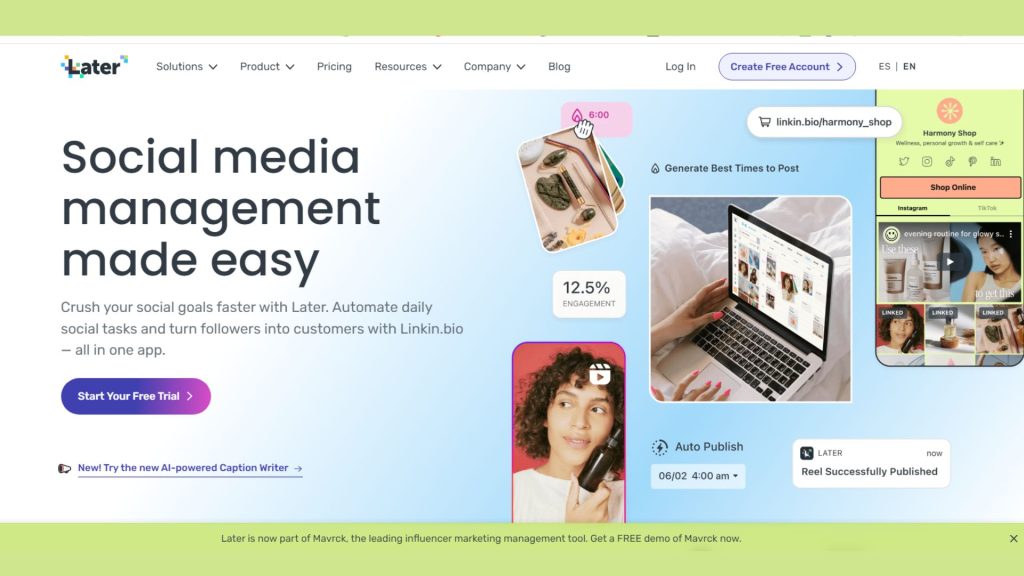
A social media management tool called Later prioritises visual material. You may schedule and prepare posts for Facebook, Pinterest, Instagram, as well as make personalised collages and mood boards. You can schedule up to 10 articles each month with Later’s free plan, while paid options start at $12 per month.
Features
- Creating and scheduling content.
- Developing a social media strategy.
- Examination of audience data.
- Participation and community leadership.
- Pay-to-play social media promotion.
- Analytics and reporting.
- Customer care and assistance.
- Crisis intervention.
Pricing plans
Tips for choosing social media management tools
Tips for choosing and using social media management tools for small businesses:
1. Define your goals
Before choosing a tool, spell out your social media goals in detail. Align the tool’s capabilities with your objectives, whether they be brand awareness, lead generation, or customer interaction.
2. Consider features
Every tool has a unique collection of features to offer, including scheduling, analytics, content creation, and interaction tracking. Make sure these features meet the demands of your company by evaluating them.
3. Usefulness
Choose tools with intuitive user interfaces. The management of your social media can be slowed down by a high learning curve, so give preference to technologies that are simple to use and need little instruction.
4. Compatibility
Check that the tool is compatible with the social media channels where your company participates. Effective scheduling, publishing, and monitoring depend on compatibility.
5. Cost consideration
Evaluate features and pricing options to determine which tool delivers the best value for your money. Some programmes allow you to test their applicability with free versions or trials.
6. Analytics and reporting
Finding solutions that offer thorough analytics and reporting is important. You may improve your strategy over time and determine what is most effective with the use of data-driven insights.
7. Content scheduling
A decent technology should make content scheduling easier. To keep a regular posting schedule and increase audience engagement, create a content calendar.
8. Engagement and interaction
Choosing a platform that enables you to quickly respond to remarks, messages, and mentions will increase your engagement and interaction. Real-time interaction with your audience helps to create a sense of community.
9. Automation with Caution
While it might save time, it’s important to take care not to lose the personal touch. Social media is all on authenticity, so mix automated interactions with real conversations.
10. Regular evaluation
The social media environment is constantly changing. Make sure your tool of choice continues to satisfy your demands on a regular basis and, if necessary, look into alternative options.
Conclusion
Effective social media management is essential for small businesses to have a strong online presence, engage with their target audience, and ultimately spur growth in the fast-paced environment of today’s business world. This procedure has been made simpler by the availability of several social media management tools, which provide a selection of features catered to the requirements of small businesses. Businesses can use these tools to streamline their social media efforts and accomplish their marketing objectives by carefully taking into account the specific operational requirements of their operations.
Join us as you begin your Shopify journey
We are e-commerce specialists and Shopify Partners. Get in touch with us if you need assistance with Shopify, need a whole website built, or have any other general questions.